Temp Mail App for iPhone and Android: Free vs Premium Guide
The TempMailFast temp mail app is free on iPhone and Android, with custom usernames and domain choice. See how it compares to the website and premium.
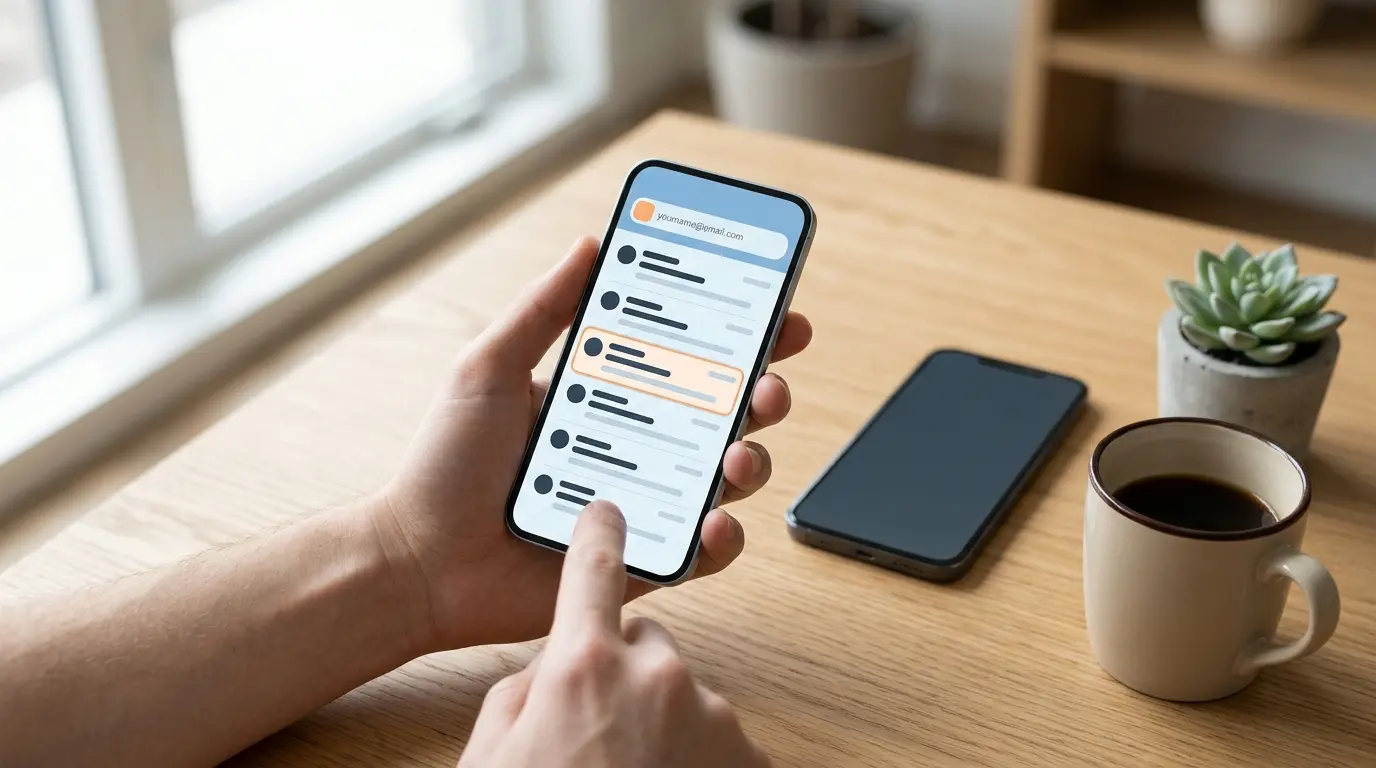
TempMailFast has a free temp mail app for iPhone and Android. Like the website, it gives you an address that lasts 20 minutes, but the app also lets you pick the domain and set your own username. Premium adds longer-lasting addresses, extra domains and a view for switching between addresses.
The longer answer
Choose the app when the address itself matters. On the website you get whatever random address it creates. In the app you can keep the random one, choose a domain from the free list, or type a username you'll actually remember.
The paid upgrade is optional and lives inside the app. The table below shows exactly what it adds over the free mode.
How to use the temp mail app
- Install it from the App Store on iPhone or Google Play on Android.
- Get your address. The app generates a random one for you.
- Change it if you want. Pick a different domain from the free list, or set your own username.
- Copy the address and paste it into the sign-up form.
- Go back to the app and open the email when it arrives. Copy the code or open the confirmation link.
- Finish within 20 minutes. Free addresses expire after that, so a code sent later won't reach you.
Website vs free app vs premium
| Website | Free app | Premium app | |
|---|---|---|---|
| Cost | Free | Free | Paid upgrade in the app |
| Address lasts | 20 minutes | 20 minutes | Longer than 20 minutes |
| Username | Random | Random or your own | Custom usernames, like the free app |
| Domain | Assigned from the active pool | Your pick from the free domains | Free domains plus premium domains |
| Switch between several addresses | No | Premium only | Yes, in the account view |
| Send or reply to email | No | No | No |
Which one to use when
Use the website for a quick sign-up at a computer. Nothing to install, and the address is waiting when the page loads.
Pick the free app when you're on your phone, or when you want a specific address. A short username you chose is easier to read aloud or type on a second device than a random string. Signing in to café or airport Wi-Fi from your phone is another good fit (why that's worth doing).
Domain choice helps when a site rejects your first address. Some sites block specific disposable domains, so switching to another one from the list is worth a try. Others block every temp mail service they know about, and switching domains usually won't help (how sites detect temp mail).
Go premium when 20 minutes isn't enough, like a sign-up that sends its confirmation email well after you register.
What can go wrong (and the fix)
| Problem | Likely cause | Fix |
|---|---|---|
| The code arrives after the address is gone | Free addresses last 20 minutes | Request the code soon after creating the address, or use premium for sites that send late |
| The site says the email isn't allowed | That domain is on a blocklist | Pick another domain from the list. If every one fails, the site probably blocks temp mail in general (your options) |
| You missed the email | The app doesn't send notifications | Switch back to the app and check the inbox while you wait for the code |
| You need to reset a password months later | A temporary address can't receive it | Use a permanent address for accounts you'll need to recover |
Is premium worth it?
For most people, the free app is enough. If you sign up for things one at a time and finish within 20 minutes, premium adds little you'll notice.
Paying for it makes sense if you regularly need an address to stay around longer, or you're managing several at once. The extra domains give you more to try when a site rejects the free ones, though a site that blocks all temp mail will still turn them away.
Premium addresses are still temporary and receive-only, so they don't replace an address you own.
Frequently Asked Questions
Is the TempMailFast app free?
Yes. The app has a free mode with 20-minute addresses, custom usernames and a choice of free domains. Premium is an optional paid upgrade inside the app.
Can I choose my own email username in the app?
Yes. In the app you can set your own username and pick a domain from the free list. The website always gives you a random address.
Does the app notify me when an email arrives?
No. The app doesn't send notifications, so go back to it and check the inbox while you wait for a code.
Can I send emails from the temp mail app?
No. Like the website, the app only receives email. You can't send or reply from a temporary address.