Temp Mail for Instagram: Sign Up Without Your Main Email
Sign up for Instagram with temp mail and pass the email code, then handle checkpoints, blocked domains and the later emails a burner account will miss.

Temp mail for Instagram usually works at sign-up. Choose to sign up with email, paste a temporary address, then enter the code Instagram sends before the address expires. The risk comes later, because password resets and some login checks go to that same address.
What Instagram does with your email
Instagram lets you register with a mobile number or an email address. If you go with email, a confirmation code lands in that inbox, and you type it into the app to keep going.
The address stays attached to the account after day one, and Instagram keeps writing to it. Once a temp address has expired, nothing Instagram sends can reach you, so the table further down lists which messages you'd be giving up.
Which Instagram accounts suit a temp address
- Burner for browsing profiles. Good fit. Stop logging in whenever you like and nothing is lost.
- Holding a handle for later. Fine for the sign-up, but you'll need to log back in someday, so add a permanent email before you ever log out.
- Creator, shop or brand profiles. Start with a permanent address. If the account ever earns money or needs support, you'll want every Instagram email to reach you.
- Your everyday profile. Give it the email you've had for years and plan to keep.
Signing up in the Instagram app
- Open tempmailfa.st in your phone's browser. The address is ready when the page loads; tap the copy icon.
- In Instagram, tap "Create new account". The first screen usually asks for a mobile number. Look for a link to sign up with email instead (the wording changes between app versions).
- Paste the address and tap Next.
- Switch over to TempMailFast once Instagram says it has sent a code. The inbox refreshes itself every 30 seconds, and Refresh checks right away. Copy the code from Instagram's message.
- Enter the code in Instagram. A TempMailFast address from the website lasts 20 minutes, so do this before anything else.
- Fill in your name, password, birthday and username. Instagram usually pre-fills a suggested handle, which you can replace with your own.
- Store the password somewhere you'll find it in a year, such as a password manager.
The emails that arrive after sign-up
| Email from Instagram | With a temp address |
|---|---|
| Confirmation code at sign-up | Received, as long as the address hasn't expired yet |
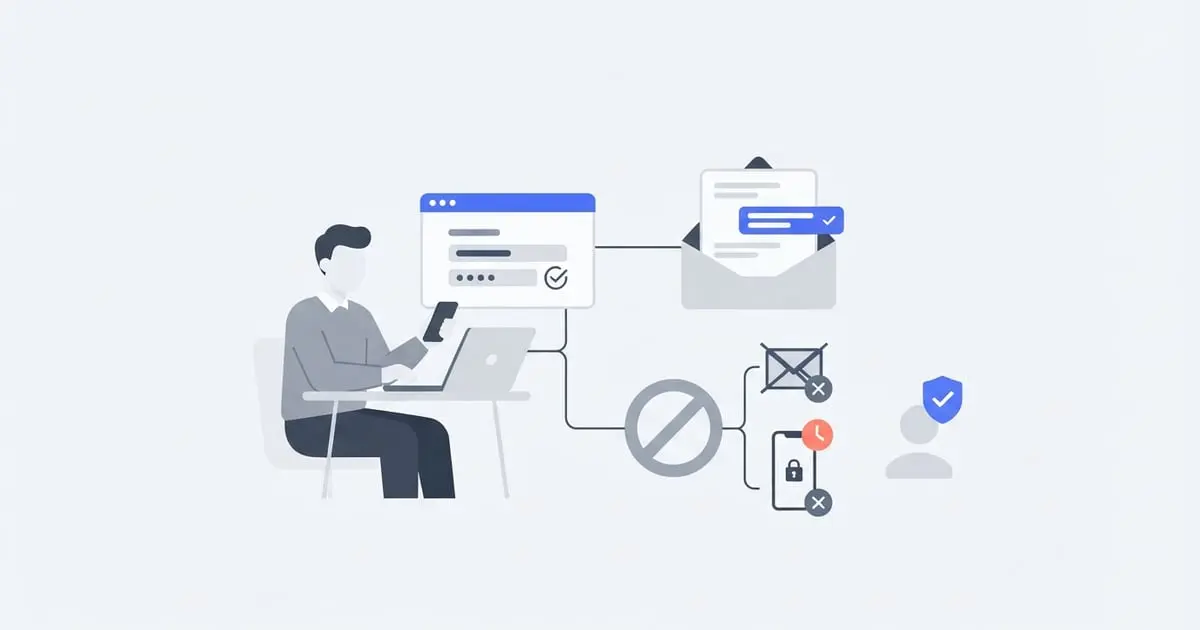
| A check when you log in on a new phone or browser | May go to the account email, which you can no longer open |
| Password reset by email | Goes to an inbox that no longer exists. With no phone on the account, a forgotten password may mean starting over |
| Alerts about an unfamiliar login | The email copy won't reach you, so check login activity inside the app instead |
Two-factor authentication with an authenticator app (at the time of writing: Accounts Center, Password and security, Two-factor authentication) can keep a new-device login check from depending on the expired inbox, since login codes then come from an app on your phone. Save the backup codes Instagram shows when you turn it on, in case you lose that phone.
Checkpoints, blocks and early bans
Instagram wants a selfie video. Brand-new accounts sometimes get stopped and asked for things like a phone number or a short selfie video. A selfie check is about your face, not your inbox, so the temp address plays no part. Decide whether this burner is worth showing your face to Instagram; if not, abandon it.
Disabled in the first few days. Mass-following, or dropping links in comments right after sign-up, can look like a spam bot. Keep the first week slow: a few follows, no links. A new email doesn't undo a ban either, since Instagram can disable fresh accounts it connects to one it already removed.
An error right after you tap Next on the email screen. Instagram may be refusing that disposable domain (why some sites turn temp mail away). You'll see it before any code is sent, so nothing is lost yet: tap New address, which may be on a different domain, and paste again. Repeated refusals mean this burner needs an email you already own.
Still no code, or the 20 minutes ran out. Look at the address Instagram shows on its code screen; a dropped character sends the email nowhere. When it's correct, the guide to missing verification emails walks through the rest. If a website or free-app address hit its 20 minutes, open a new address and begin the sign-up again, because expired addresses can't be recovered.
Moving a keeper to a real email in Accounts Center
If the burner turns into a keeper, give it a permanent email while you're still logged in. At the time of writing, that's Accounts Center, then Personal details, then Contact info. Instagram sends a code to the new address to confirm it.
When you add the burner to the app's switcher next to your main profile, Instagram may suggest putting both in one Accounts Center. Declining avoids shared login and cross-posting between the two profiles, but logging in to both on the same phone is still something Meta can see.
For other platforms, the Facebook version covers its stricter security checks, and the TikTok walkthrough its phone-number prompts. For a one-table look at which social apps ask for a phone, see temp mail across social apps.
Where TempMailFast helps with Instagram
Someone who glimpses your address can't open the inbox from their own device and read the code. On the website, only the browser that created the address can read it; in the apps, only the device that made it.
The address is receive-only. If the burner gets stuck, you'll need a different email for Instagram's support forms.
In the apps, you won't get a push alert when Instagram's email lands, so open the inbox after you request the code.
The apps also let you choose a free domain and a username of letters and numbers. Set both before typing the address into Instagram, because changing either later creates a new address and leaves the old inbox behind. If a name is already taken on one domain, try another domain. And when a checkpoint might stretch sign-up past 20 minutes, premium app addresses give you longer.
Need a throwaway address for that burner? tempmailfa.st has a free one waiting in your phone's browser.
Frequently Asked Questions
Can I view Instagram Stories anonymously with a burner account?
No. The burner's username still appears in the viewer list, even on a private burner with no followers. A temp email only keeps your real address off the account.
Can I change my Instagram email after the temp address expires?
Usually, yes, as long as you're still logged in. Instagram confirms the change with a code sent to the new address, so the expired one isn't needed.
Does a temp email stop Instagram from suggesting my burner to friends?
Not fully. An email nobody has saved helps, but Instagram uses other signals too, such as contacts you choose to sync, so leave contact syncing off on the burner.
Do I need a phone number for Instagram if I use temp mail?
Not at sign-up, as a rule. The email route skips the phone, though Instagram can still ask a new account for a number at a checkpoint.